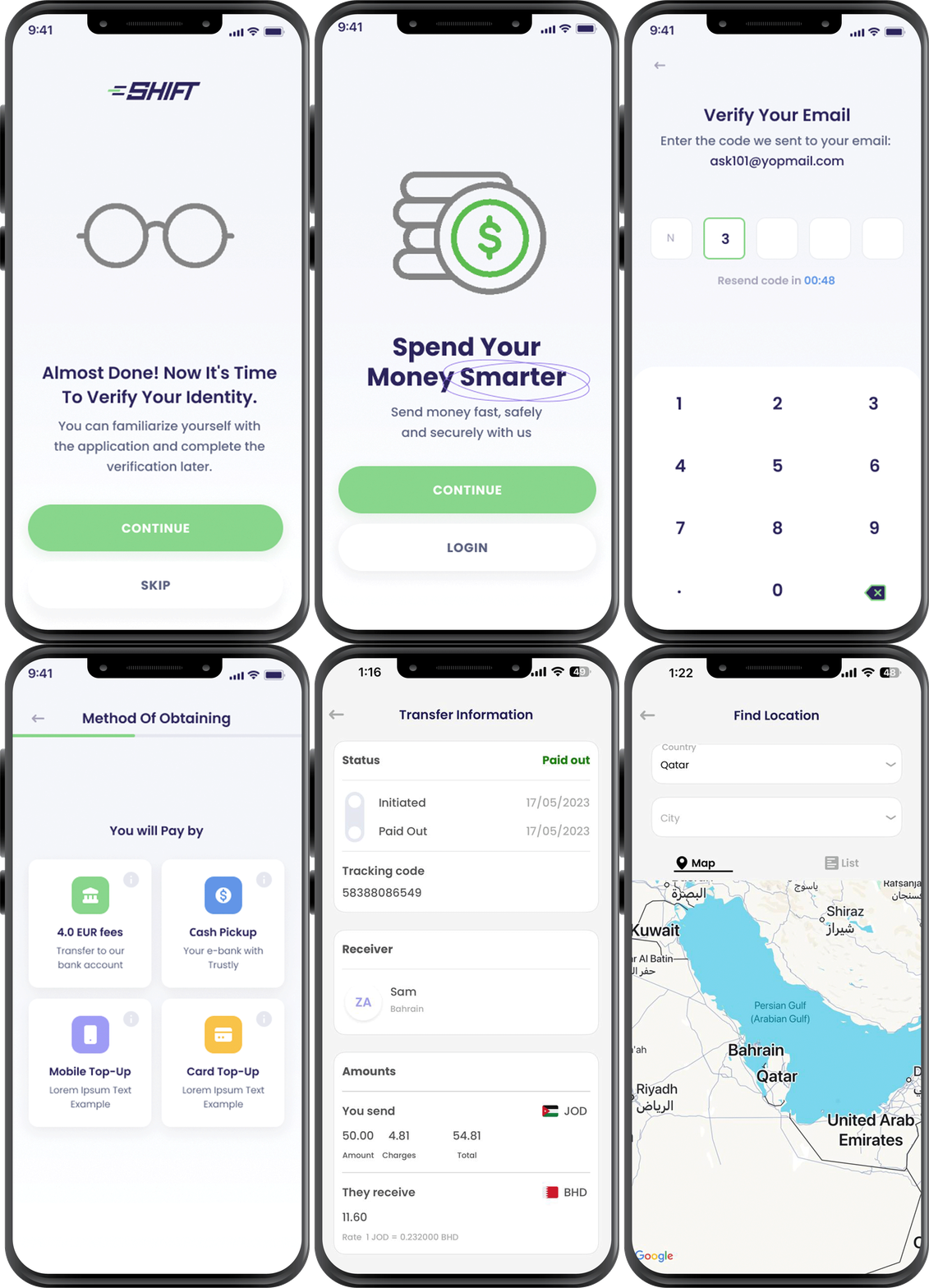
A variety of transfer options to choose from
At Shift, we’re focused on providing the transfer option that’s best for you. Bank, cash, or mobile transfer - you choose!.
Direct to the bank
shifttransfer
Send money directly to a receiver’s bank account: the easiest and the most convenient option for both you and your beneficiary.
- Via our wide network of international banks, we are ready to take care of your transfer.
- Make your transfer in minutes.
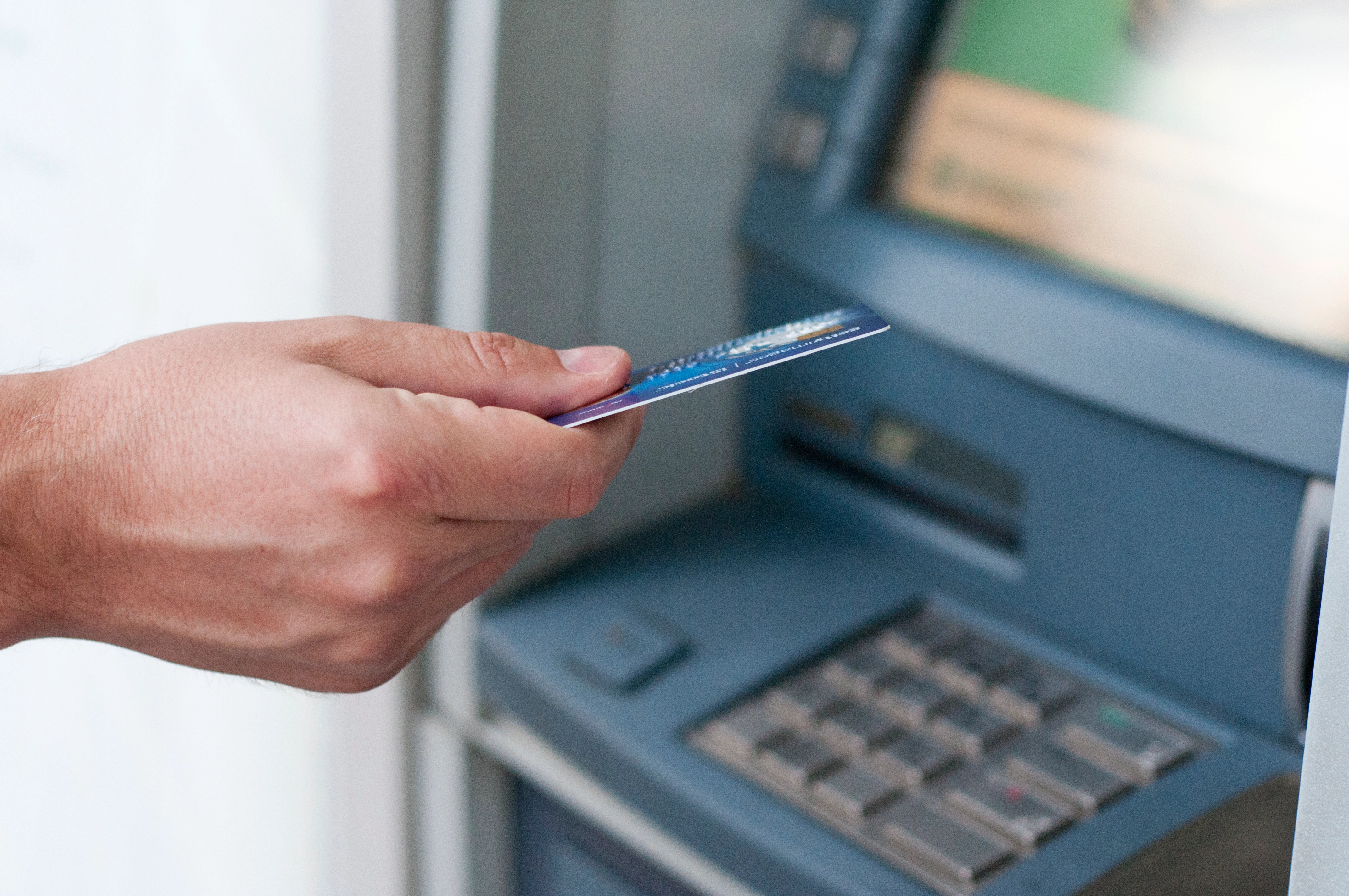
Cash Pick-up
Looking for extra flexibility? Our Cash Pick-up option gives you access to 250 000 cash collection locations worldwide.
- Your beneficiary doesn’t even need to have a bank account to get a remittance.
- Our trained service providers will take care of you at whatever location you choose.
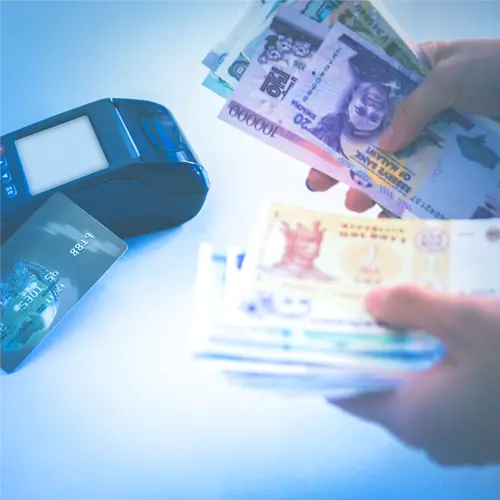
Mobile Top-up
Send money within minutes - whenever and wherever it’s needed.
- Experience ultimate flexibility with fast and secure mobile wallet transfers.
- Get funds to their recipient within seconds
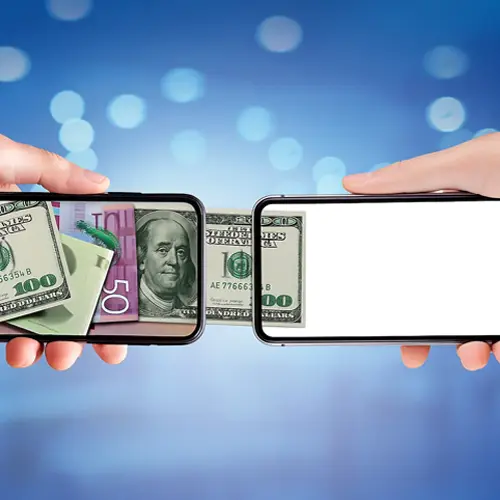
Card service
Send money to any card instantly using the card number only - without extra fees.
- An easy and convenient way to transfer.
- Your receiver gets the money instantly.

Send money to your loved ones
Get started in Three Steps
Make an international transfer in minutes from any device.
And save money with the best currency rates available and low service fees.
Transfer money, monitor, and control your payments – everything in one user-friendly app.
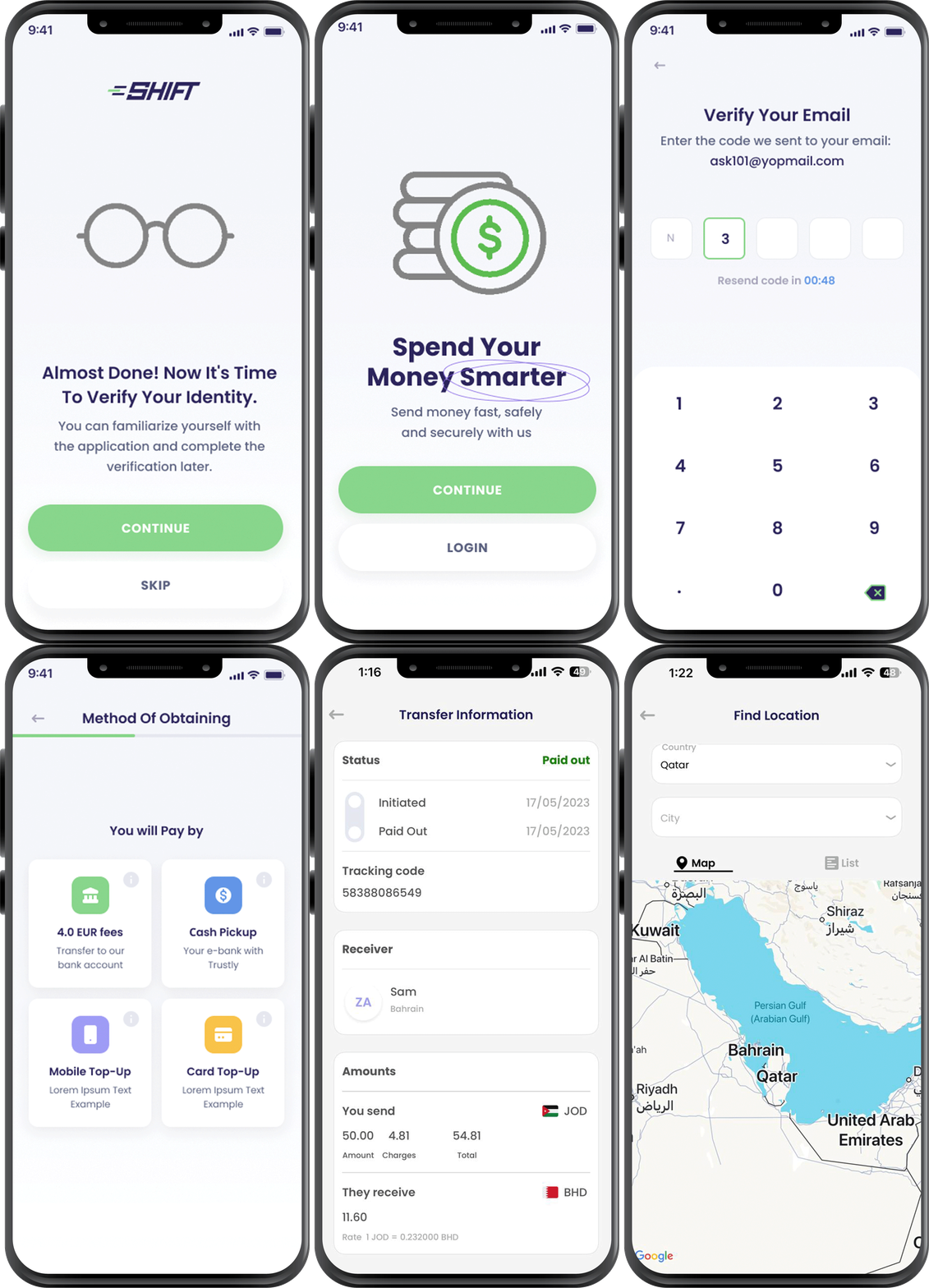
Create an account in minutes
- Confirm your email
- Verify your identity
- Approval of identity
Online transfer
- Select your destination country
- Choose your type of transfer
- Get a quote
- Verify your transfer
Confirmation of receipt
- You will receive a confirmation notification, once the funds have been collected or have arrived in the destination account
Send money to your loved ones
How to send money
Find A Location
visit Shift nearest payment locations
Bring these items
- a valid identity id
- your Money
- beneficiary details
Send Money
- Answer the agent’s questions and provide the required information to send money
- Provide your beneficiary with a unique RTC number that they need to show at the collection point
Get started in Three Steps
Create an account in minutes
Confirm your email. After you’ve added your email address, you will receive a one-time password (OTP) that’s needed to confirm your email address. Once you enter your email, you will receive a link to verify your email address.
Verify your identity. All you need is your smartphone and your ID. Fill in a few personal details, take a selfie, and snap a photo of your ID. That’s it! You don’t need your ID to check rates or browse client sites, but if you want to make a transfer you’ll need to be verified.
Approval of identity. Once we verify that it’s you, we’ll send you a notification and you can start using our services immediately!
Online transfer
Select your destination country. Shift serves more than 90 countries, covering most of Europe, Asia, Africa, the Americas, as well as Australia.
Choose your type of transfer. Shift offers cash pickup, bank account service, and mobile wallet transfers. Available options may vary depending on location.
Get a quote. Enter the amount of money you’d like to send, and check how much the recipient will get. You’ll be amazed at our reliable rates and transfer charges. Ready to send.
Verify your transfer. Submit your identification documents online and we’ll run a compliance and verification check. Once you’ve received confirmation from us that everything is ok, you’ll be able to process your transfer and gain full access to your digital platform.
Confirmation of receipt
You will receive a confirmation notification, once the funds have been collected or have arrived in the destination account.